
September 01, 2025
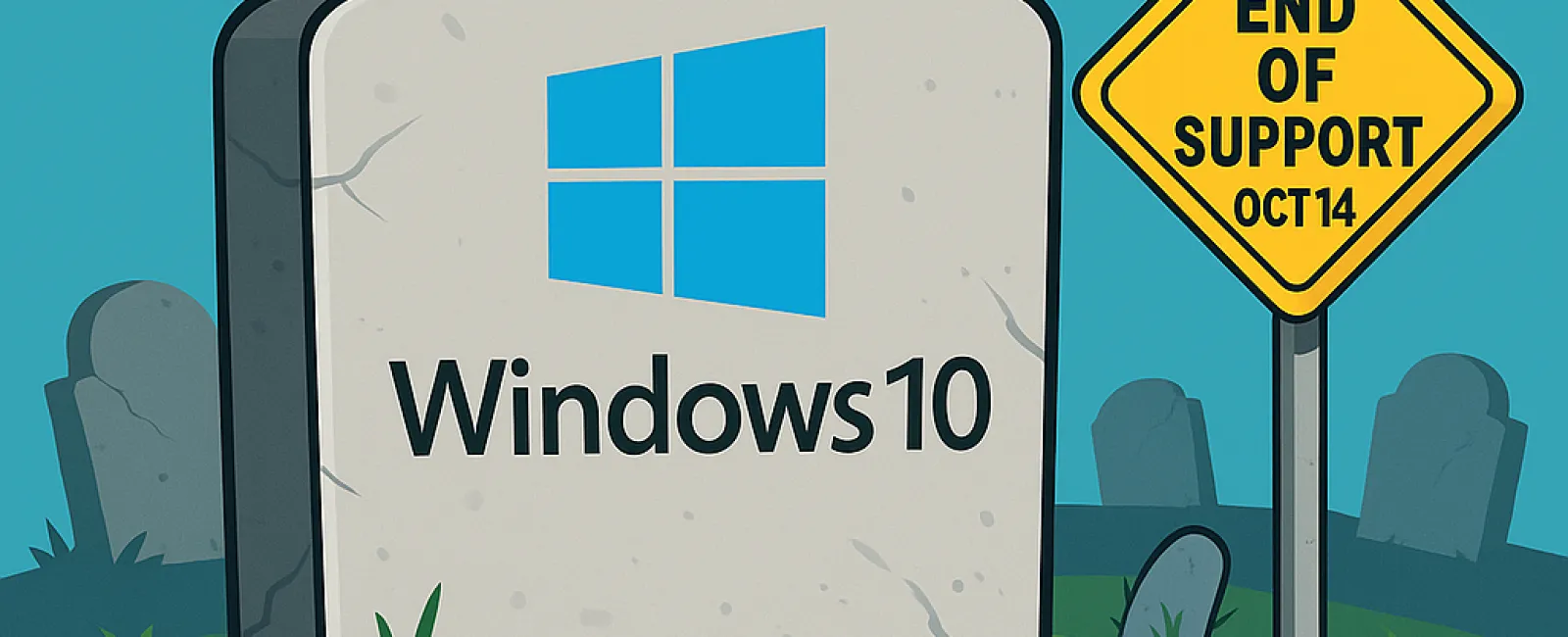
Attention: Microsoft will officially end support for Windows 10 on October 14, 2025. While your Windows 10 PC will continue to operate after this date, Microsoft will stop releasing crucial updates and security patches, leaving your device exposed to risks and without technical assistance.
Why This Matters for Your Business
- Increased Security Threats: Without ongoing security updates, your systems become prime targets for cyberattacks, viruses, and malware, jeopardizing your valuable business data. Upgrading to a supported Windows version is essential to maintain robust protection.
- Software Compatibility Concerns: As developers update their applications to work with the latest operating systems, legacy software may encounter performance issues or stop functioning entirely on Windows 10 after support ends.
- Regulatory Compliance Risks: Businesses managing sensitive data or bound by compliance regulations must stay current with supported operating systems to avoid potential fines or legal challenges.
Your Upgrade Options
Microsoft recommends migrating to the newest Windows version before support concludes. However, some Windows 10 PCs may not meet Windows 11's strict hardware requirements, resulting in upgrade errors.
If your device is incompatible with Windows 11, consider these alternatives:
- Purchase a new PC built to support Windows 11.
- Enroll in Microsoft's Extended Security Updates (ESU) program (details below).
- Switch to a Linux operating system as an alternative.
- Continue using Windows 10 beyond support end date (not recommended due to security risks).
Before proceeding with any changes, ensure you back up all critical data securely to prevent loss during the transition.
Extended Security Updates (ESU) for Windows 10
If transitioning to Windows 11 isn't feasible immediately, Microsoft offers ESU as a temporary safeguard through October of the year following end-of-life. Keep in mind, this is a short-term patch, not a permanent fix.
To access ESU, you can pay a $30 fee or redeem 1,000 Microsoft Rewards points. Alternatively, there is a no-cost option requiring you to enable Windows Backup to sync your settings and files to OneDrive's cloud storage. Note that OneDrive provides 5 GB for free, but additional storage may need to be purchased depending on your data volume.
Registration for ESU must be completed before October 14 to qualify.
Managing the Migration Effectively
Partnering with a skilled IT provider is vital to identify the most suitable upgrade path for your business. Experienced professionals will help ensure a smooth transition and minimize operational downtime.
If you want expert guidance during this critical update phase, contact our team today to arrange a FREE 15-Minute Discovery Call consultation. We'll outline personalized steps to upgrade efficiently. Schedule your session by calling 320-310-4321 or clicking here.


