
December 08, 2025
Imagine you're midway through a long holiday drive, and your daughter asks to play Roblox on your work laptop—the device housing critical client files, financial details, and full access to your business. You're tired from packing, and with hours still ahead, keeping her occupied seems harmless. But is it really?
Holiday trips bring unique security risks that everyday routines rarely encounter. Distractions, fatigue, unfamiliar WiFi, and juggling family with work check-ins can create vulnerabilities. Whether your journey is for business, leisure, or a mix of both, here's your guide to securing your data without dampening the festive spirit.
Before You Hit the Road: Quick 15-Minute Security Setup
Spend just 15 minutes prepping for a safer trip:
Essential Device Tips:
- Update all security patches immediately
- Backup vital files to the cloud
- Enable a fast automatic screen lock (within two minutes)
- Activate "Find My Device" on phones and laptops
- Fully charge your portable power bank
- Bring your own chargers and adapters
Family Device Guidelines:
- Clarify which gadgets kids can safely use
- Provide a separate family iPad or device strictly for entertainment
- Create restricted user accounts on your laptop if kids need access
Pro tip: Avoid giving your work devices to kids on the road. A $150 tablet disconnected from work accounts is a smart, cost-effective defense against costly data breaches.
Hotel WiFi: Avoiding Common Pitfalls
Once your family connects to hotel WiFi, all devices—from phones to gaming consoles—join the network. But these public networks are a hotspot for cyber threats, as they're shared with numerous guests, some with ill intent.
True story: A family unknowingly logged into a counterfeit WiFi hotspot in a hotel parking lot, exposing passwords, credit card info, and emails for two days straight.
Stay Protected with These Steps:
Verify the WiFi name by asking hotel staff directly—never assume.
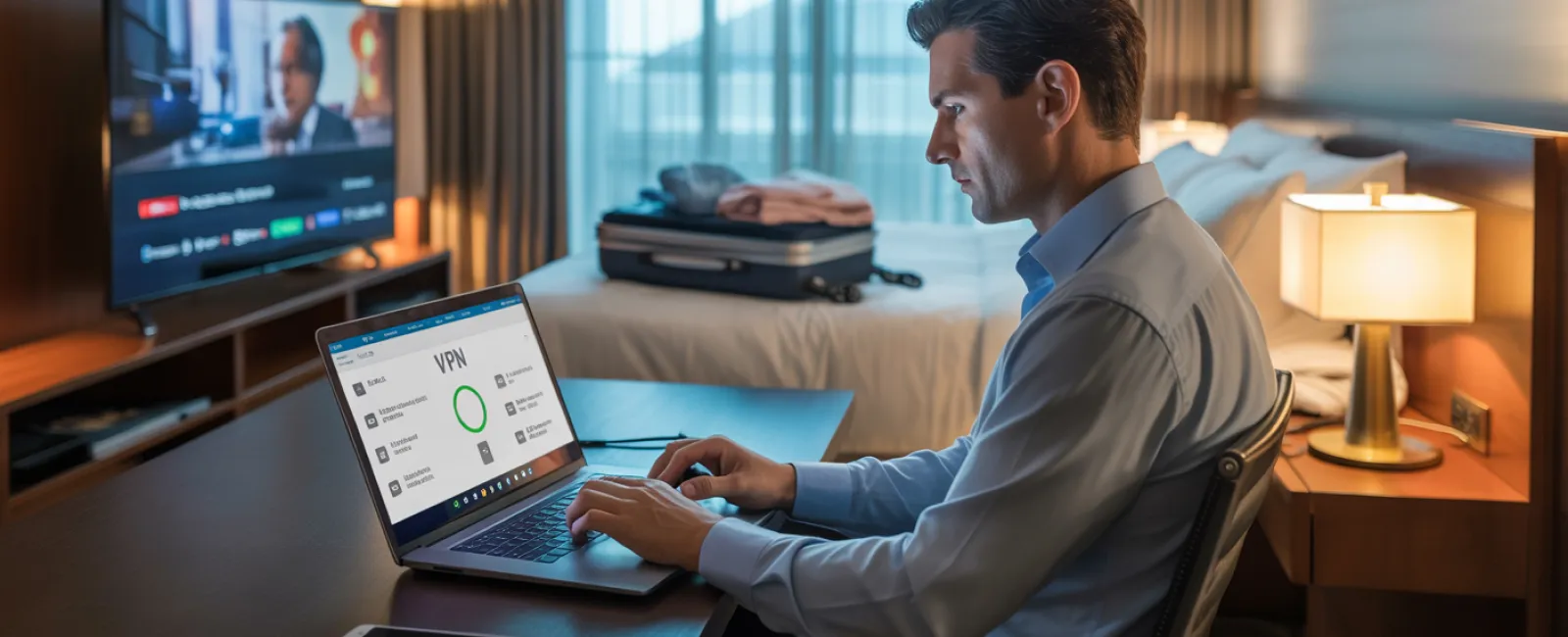
Use a VPN for work tasks like checking email or accessing company files; it secures your connection.
Choose your phone's hotspot over hotel WiFi when handling sensitive data like banking or client information.
Separate leisure and work—let kids stream on hotel WiFi, but keep your confidential work on your hotspot.
Managing "Can I Use Your Laptop?" Moments
Your work laptop contains sensitive access—from emails to financial records—while kids simply want to watch videos or chat. Letting them use it risks accidental downloads, password sharing, or unsupervised activity, which are security hazards.
Why it matters: These innocent actions can compromise your business security without any malicious intent.
Smart Strategies:
Firmly restrict work devices: Politely but consistently say, "This is my work laptop; you can use [another device]."
If sharing is unavoidable:
- Create a limited user account with restricted permissions
- Supervise device usage closely
- Block downloads
- Ensure no passwords are saved
- Clear browsing history afterward
Better option: Bring a dedicated family device—an old tablet or laptop disconnected from any work accounts—to keep things separate and secure.
Streaming on Hotel TVs: Don't Forget to Log Out
Watching Netflix on a hotel smart TV? Beware: logging in and forgetting to log out means the next guest might access your account—and if you reuse passwords (you don't, right?), they might target other services too.
Quick fixes:
- Cast content from your own device for greater control
- Set reminders to sign out before checkout if you log into the TV
- Even better: Download shows to your devices ahead of time and avoid hotel TVs
Avoid logging into these on hotel TVs:
- Banking apps
- Work accounts
- Email
- Social media
- Any account with saved payment info
Lost Device? Immediate Action Plan
Travel chaos means devices often get misplaced—in restaurants, hotels, or airports. If your device disappears:
Within the first hour:
- Activate "Find My Device" to locate it
- If unrecoverable, lock it remotely
- Change critical account passwords from another device
- Contact your IT or MSP to revoke business system access
- Notify affected parties if sensitive data was stored
Pre-trip essentials:
- Remote tracking enabled
- Strong passwords set
- Automatic data encryption active
- Remote wipe capability enabled
Family members lose devices too? Follow the same steps—lock remotely, update passwords, and try to locate it.
Rental Car Data Risks
Connecting your phone to a rental car's Bluetooth often syncs contacts, call histories, and sometimes texts, data lingering even after you return the vehicle, accessible to the next driver.
Quick 30-second cleanup before returning:
- Remove your phone from the car's Bluetooth list
- Clear GPS recent destinations
- Or avoid connecting altogether—use an aux cable instead
Balancing Work and Vacation
Checking emails repeatedly or taking calls during family time is stressful and increases security risks due to distraction and rushed decisions. But if unplugging completely isn't an option, set firm limits.
- Schedule work email checks at set times, twice daily
- Use your phone's hotspot for work, not public WiFi
- Work from private spaces like your hotel room
- Be fully engaged with family when off work
Ultimately, taking real time off boosts your alertness and strengthens your security awareness.
Adopt a Mindful Holiday Security Mindset
Combining work and family life on holiday is tricky. Sometimes kids need your laptop, sometimes urgent work calls come through. The focus isn't on perfection—it's about managing risk thoughtfully:
- Prepare your devices in advance
- Identify risky activities (hotel WiFi for banking) vs safer options (using your own hotspot)
- Create clear boundaries between work and family use
- Have a backup plan if things go wrong
- Learn when to firmly say "Not on this device," and mean it
Make This Holiday Season Safe and Enjoyable
Holidays should center on quality time, not crisis management or data breaches. With thoughtful preparation and straightforward rules, you can safeguard your business and keep your family's vacation memorable for all the right reasons.
Need expert help setting up travel security for your team and yourself? Click here or call us at 320-310-4321 to schedule a free 15-Minute Discovery Call. We'll help you develop practical policies that protect your business without disrupting your travel plans.
After all, the best holiday memories are never about "Remember when Dad's laptop got hacked?"


